

Power Platform updates: Your ultimate guide | Bitesize Series
Power Platform updates can feel overwhelming. Have you ever wondered how some professionals always seem to be ahead of the curve with the latest updates and insights? Over the years, I’ve built a career around staying informed. With the right approach, Power Platform updates become manageable.
Keeping up with these fast-paced developments isn’t magic, but there’s a strategy involved. Let me share exactly how I stay up-to-date with the ever-evolving world of Microsoft technology.
Go straight to the source for Power Platform updates
The simplest advice is often the best: always start with the source.
Interested in economic news from Japan? Find a trusted local Japanese economic news outlet.
Similarly, for Power Platform, your go-to spot should be Microsoft’s official blog. You can easily find it by Googling “official Power Platform news on Microsoft,” or just bookmarking Microsoft’s Power Platform Blog.
Official channels typically share significant updates succinctly and clearly, perfect for staying informed without overload.
Dive into community insights
Official sources are excellent for major announcements, but what about the day-to-day, in-depth discussions and early glimpses? That’s where community channels become invaluable. Passionate community members—including MVPs—love sharing early insights, experiences, and tips. Following these community leaders helps you catch smaller, yet equally important, details that official channels might not cover extensively.
LinkedIn: your personalised news hub
LinkedIn is a goldmine of real-time updates. Start by following well-known MVPs, architects, and enthusiastic developers in the Power Platform community. Read the discussion in the comments, and follow other individuals. If it’s a repost, find the source and follow them as well.
Soon, your LinkedIn feed becomes a personalized hub of essential insights.
Here are 4 active LinkedIn profiles to follow to get you started:
- Charles Lamanna – Corporate Vice President, Business & Industry Copilot at Microsoft. (linkedin.com)
- Scott Durow – 10× Microsoft Business Applications MVP and Cloud Developer Advocate at Microsoft, creator of essential Power Platform tools such as the Ribbon Workbench (linkedin.com)
- Valentin Gasenko – Microsoft Business Applications MVP and Power Platform Solution Architect. (linkedin.com)
- Linn Zaw Win – Microsoft MVP, Copilot Solutions Manager and Blogger. (linkedin.com)
- Soundharya N V – Microsoft Power Platform & Dynamics 365 Architect, Power Platform Architect at EY, blogger, and Microsoft Certified Trainer. (linkedin.com)
Additionally, you can follow my LinkedIn profile, where I share news periodically.
Here are a few groups you can join as well:
- Microsoft 365 & SharePoint & Microsoft Teams & Power Platform & Viva & Dynamics 365 & Copilot & AI
- Microsoft Power Platform
- Dynamics 365 & Power Platform Global Community
- Microsoft 365 & Power Platform Community
And a few pages:
Blogs and RSS feeds: your daily dose
Blogs provide in-depth content, tutorials, and analyses that you won’t find on LinkedIn alone. Thankfully, Microsoft has made this easy by aggregating blogs into dedicated community hubs. These hubs are great, though navigating them daily might get overwhelming. Enter RSS feeds.
RSS feed readers streamline your daily news consumption effortlessly. My personal favourite is the RSS Feed Reader Chrome extension. Simply install the extension, pin its icon in Chrome, and add your favourite RSS feeds. Checking updates then becomes as simple as clicking the icon.
Here’s how to handle some of the RSS feeds.
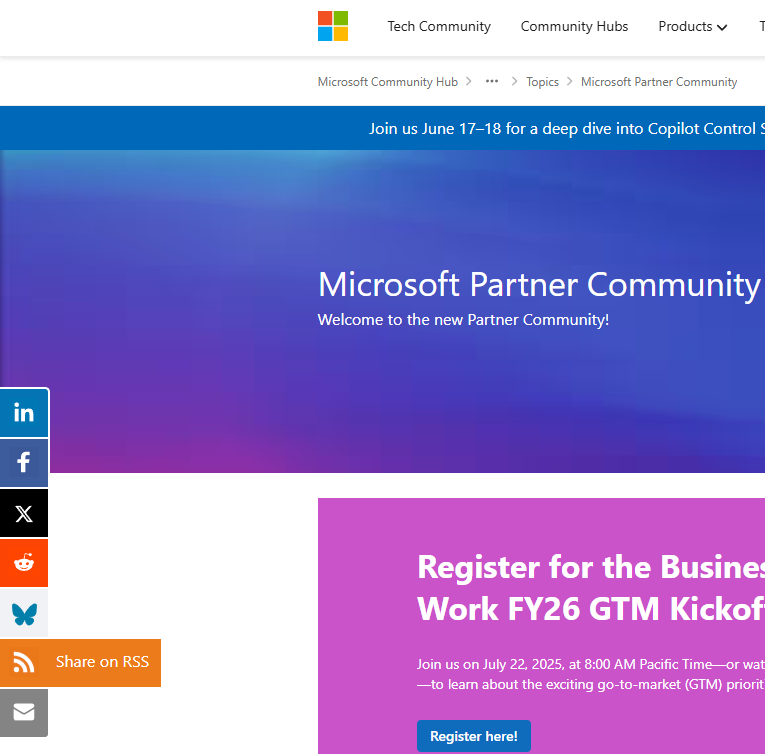
- Tech Community Directory
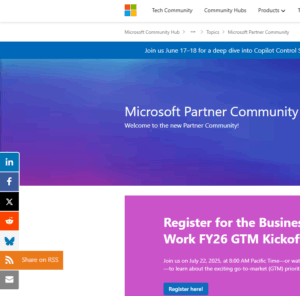
Choose a hub, and then click on the RSS icon on the left.
Unfortunately, those feeds contain non-news-related topics, which can become overwhelming.
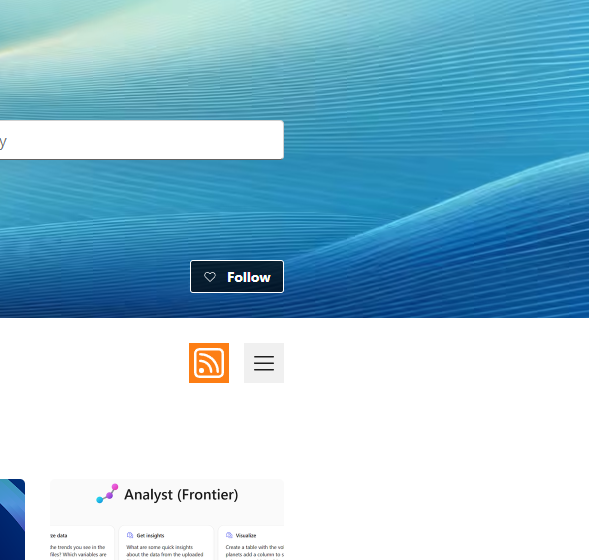
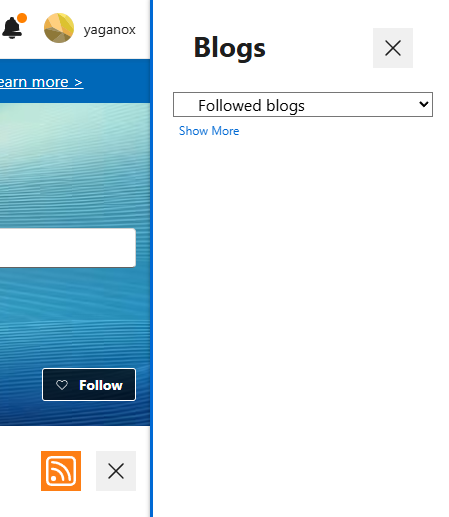
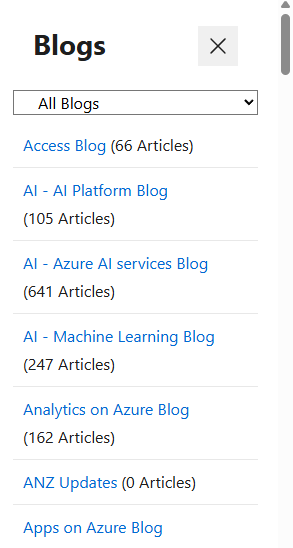
- Tech Community Blogs
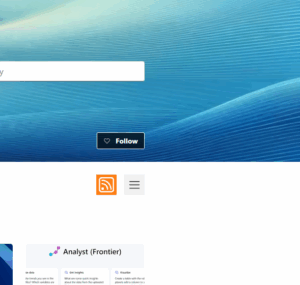
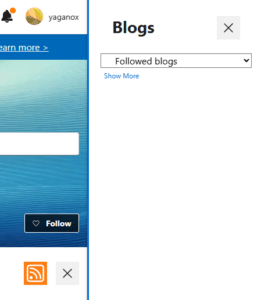
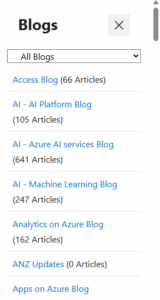
Click on the “three-horizontal-lines” (hamburger) button on the right, choose a blog, and then click on the same RSS icon as above.
- Microsoft Power Platform Blog
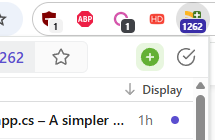
Click on the extension icon in Chrome, and then ‘add’ a feed (button at the top right). Choose from the feeds detected on the page.
- Power Platform Developer Blog
Click on the RSS orange feed under ‘Follow this blog’ on the right side of the page. - Dynamics Community Blogs
- Power Platform Community Blogs
The RSS feed for the last two pages stopped working some time ago. Here’s a handy trick: create your own RSS feed using tools like PolitePol (limited but free) or FeedFry (easy but paid), these tools let you customise RSS feeds to gather exactly the news you want.
Newsletters
If you prefer to get a quick update in your inbox periodically, you can subscribe to newsletters.
You can either subscribe to some of the blogs mentioned above (if supported), an MVP/architect’s blog directly on his website, or one of the following newsletters:
- Power Platform Weekly
- Power Platform Dev Weekly
- Power Platform Magazine (Spanish, but most articles are in English)
- Power Platform Partner Pulse
- Dynamics 365 Partner Pulse
Wrapping up
Staying ahead with Power Platform doesn’t have to be challenging. With the right approach—official sources, LinkedIn networking, community insights, and convenient RSS readers—you’ll effortlessly stay on top of every update.
Hopefully, this guide helps you master the art of staying informed and inspires you to further explore the vibrant Power Platform community.
Happy learning, and stay informed!